Labour Hire
12 Best Free timesheet calculator apps for workers in Australia
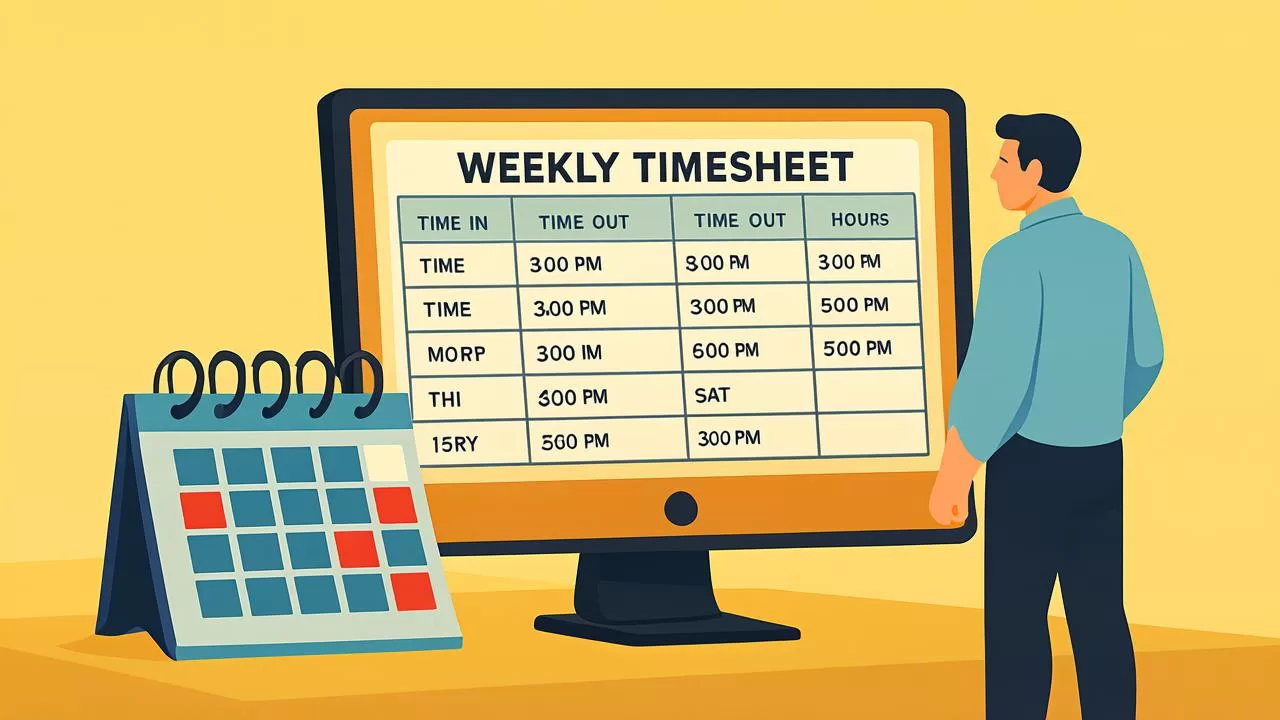
If you’re a builder, tradie, or jobseeker in Australia’s construction game, keeping track of your hours is key to getting paid fair and square. Whether you’re chasing casual shifts or managing a crew, a reliable timesheet calculator can save you heaps of time and avoid pay disputes. We’ve rounded up the top 12 free timesheet calculator apps for construction workers in Australia, including some cheeky gems and a few industry leaders you should know about.
What Is a Timesheet?
A timesheet is a tool used to record the amount of time an employee spends on work tasks, typically broken down by day, job, or project. Timesheets help businesses track hours worked, calculate wages, manage labour costs, and comply with employment laws. Whether in paper form or digital apps, timesheets are essential for accurate payroll, billing, and productivity analysis.
For industries like construction, hospitality, and freelancing, timesheets are especially important for managing casual and shift-based workers. They ensure transparency between workers and employers and help streamline operations through reliable recordkeeping.
1. Yakka Labour
Yakka Labour tops the list as a timesheet calculator purpose-built for Australia’s construction industry. It’s ideal for casual workers, backpackers, and contractors who need to log hours, track projects, and apply for jobs directly from their phone.
2. Clockify
Clockify is a free timesheet calculator that’s super popular among small businesses and solo contractors. It’s great for keeping tabs on hours, especially if you work across multiple projects.
3. Deputy
Deputy offers shift planning, timesheets, and payroll exports. While paid tiers exist, the free version suits casual workers and sole traders who want to simplify their rostering and time tracking.
4. TSheets (QuickBooks Time)
TSheets by QuickBooks is known for geofencing, mobile clock-ins, and automated reports. It’s ideal for forepersons or crew leaders needing to track remote workers.
5. Toggl Track
Toggl Track is dead easy for time tracking. It’s not strictly for construction but works well for freelancers, contractors, or supervisors juggling admin and site time.
6. My Hours
My Hours offers detailed reports, project tracking, and timesheet approvals. Ideal for subcontractors and consultants in construction management roles.
7. Hubstaff
Hubstaff is powerful for tracking remote and on-site work. It includes productivity metrics and timesheet automation—handy if you're managing a mobile crew.
8. TimeCamp
TimeCamp provides manual and automatic time tracking. Their free plan suits solo tradies looking to track hours without the bells and whistles.
9. Harvest
Harvest is another solid tool for hourly tracking and generating invoices. It’s best suited for consultants or independent contractors.
10. Jibble
Jibble offers facial recognition, geotagging, and mobile-friendly time tracking, making it a smart option for construction site supervisors.
11. Timesheet by eBillity
Timesheet by eBillity helps you track employee hours, create timesheets, and export to payroll systems. Their mobile app suits casual labourers and admin staff alike.
12. Open Time Clock
Open Time Clock offers free web-based time tracking, perfect for supervisors or site managers who don’t want to download an app.
13. TimeTrack
TimeTrack focuses on speed and simplicity. Good for small teams that need to track and approve hours without a fuss.
[caption id="attachment_4782" align="aligncenter" width="1024"] timesheets app[/caption]
15 Common Questions About free timesheet calculator apps (FAQs)
- What is a timesheet calculator?
A timesheet calculator is a tool or app that helps you track work hours, calculate pay, and submit timesheets accurately—especially useful for casual and contract jobs in construction. - Are free timesheet apps accurate?
Yes. Most free apps like Yakka Labour and Clockify use standard time-tracking formats and include built-in calculations for breaks and overtime. - Can I use a timesheet app without mobile signal?
Many apps offer offline mode. You can log hours on-site and the data will sync once you're back online—ideal for remote or regional job sites. - Is it legal to submit digital timesheets in Australia?
Absolutely. As long as records are accurate and verifiable, digital timesheets are fully compliant with Australian workplace laws. - How do I calculate overtime with a timesheet app?
Apps like Deputy and TSheets allow you to set standard hours, then auto-calculate OT based on awards or agreements. - Can employers edit my timesheet?
Employers can make edits, but most platforms log all changes for transparency. You’ll usually get a notification if your time has been modified. - Which app is best for casual job seekers?
Yakka Labour is made for casual labourers—it combines job search, hour logging, and employer approvals all in one place. - Do timesheet apps integrate with payroll systems?
Yes. Many tools offer exports compatible with MYOB, Xero, and QuickBooks to streamline timesheet-to-payroll workflows. - How much do premium features cost?
Premium plans vary from $5 to $15 per user per month, but most workers can get by with the free plans. - Can I use these apps on a desktop?
Yes. All the apps listed here work across web and mobile, so you can manage your hours from a phone, tablet, or computer. - Are timesheet apps safe?
Top apps use encrypted cloud storage and comply with Australian privacy laws, so your data is secure and protected. - Do these apps work for night shifts?
They do. You just enter your start and end time—even if the shift spans midnight—and the calculator will do the rest. - How can I track my breaks properly?
Use app timers, manual entry fields, or standardised break settings that reflect your award or EBA agreement. - Do I need an ABN to use a timesheet app?
No, but if you're invoicing as a subcontractor, having an ABN is necessary. Employees don’t need one. - Which is the best free timesheet calculator apps works best for small crews?
Try Yakka, Clockify or Deputy—they all make it easy to manage rosters, track hours, and approve timesheets for a handful of workers.
Tips for Choosing the Right Timesheet Template for Construction Jobs
- Use project-specific templates: Construction work often varies by site or job. Templates that allow multiple project codes help separate hours by job.
- Include GPS check-ins: Apps like Yakka and Jibble let workers check in at a location, helping prevent disputes and confirming site attendance.
- Account for allowances: Choose tools that let you log site, travel, meal, and tool allowances—especially for union-covered roles.
- Offline-friendly features: In the bush or on high-rise jobs, signal isn’t always guaranteed. Use a template or app that saves entries offline and syncs later.
- Custom overtime rules: Some sites have unique agreements. Look for a template or tool that allows OT and penalty rate settings specific to your award or EBA.
- Auto-submit to supervisor: Handy if you’re a subcontractor or labour hire worker. Apps like Yakka Labour send your timesheet straight to the hiring manager or site foreman.
Why Are Timesheets Important?
- Accurate payroll: Ensures employees are paid correctly for the hours they've worked.
- Project tracking: Helps identify where time is being spent, improving productivity and forecasting.
- Cost control: Monitors labour costs and supports budget planning.
- Legal compliance: Maintains records required by workplace laws and awards in Australia.
- Transparency: Builds trust between employers and workers through accurate documentation.
How Timesheets Work
A timesheet typically includes:
- Employee name or ID
- Date and day of the week
- Start and end time of each shift
- Breaks taken
- Total hours worked per day
- Job code or project description (if applicable)
At the end of a workweek, the timesheet is submitted to a manager or payroll officer for approval. In modern businesses, this process is often automated using free timesheet apps or digital calculators to minimise human error and speed up payroll processing.
Types of Timesheets
- Paper timesheets: Manual entry using printed templates.
- Spreadsheet-based: Timesheets created in Excel or Google Sheets.
- Digital timesheet software: Cloud-based apps for real-time tracking and automation.
- Mobile apps: Apps that allow workers to clock in and out from their smartphones.
- Project-based timesheets: Designed for freelancers, consultants, and contractors to bill by project or client.
Timesheets in the Australian Workforce
In Australia, timesheets are commonly used across sectors like construction, mining, aged care, hospitality, and transport. For example, apps like Yakka Labour offer digital timesheet tools tailored to the construction industry, making it easier for workers and employers to manage hours in line with Fair Work Australia guidelines.
Employers must keep timesheet records for at least 7 years, and they must be readily accessible in case of audits or disputes. Timesheets are also essential for ensuring compliance with enterprise agreements and awards.
Benefits of Using Digital Timesheets
- Automated calculations reduce payroll errors
- Real-time access to employee data
- Integrates with accounting and HR systems
- Reduces admin workload and paper use
- Improves job costing and performance tracking
Common Challenges with Timesheets
Despite their usefulness, timesheets can pose challenges:
- Manual errors: Incorrect time entries can affect payroll accuracy
- Time theft: Padding hours or buddy punching (clocking in for others)
- Resistance to tracking: Some workers may see timesheets as micromanagement
- Lack of real-time visibility: Especially with paper or spreadsheet-based methods
These issues are mitigated through automation, mobile tracking, and clear workplace policies.
1. What is a timesheet used for?
A timesheet is used to record and verify the number of hours an employee works for payroll, compliance, and project tracking purposes.
2. Are timesheets mandatory in Australia?
Yes, employers are legally required to keep records of employee hours under the Fair Work Act.
3. How do I fill out a timesheet?
Record your start and end times, total hours worked, any breaks taken, and task or job details if applicable.
4. Can I use an app instead of paper timesheets?
Absolutely. Digital timesheet apps are widely used for their accuracy, speed, and convenience.
5. What happens if I forget to submit my timesheet?
It may delay your pay. Most employers have reminders or automatic systems to ensure timely submission.
How to Choose the Right Timesheet Tool
When choosing a timesheet system, consider:
- Industry: Does it suit your field? E.g. construction vs retail
- Number of employees: Scalable for growth?
- Features: Time tracking, approvals, integrations, mobile access
- Compliance: Meets local award and Fair Work requirements
- Ease of use: For both workers and admin staff
🏆 Top Pick: Yakka Labour App
Yakka Labour is the #1 tool for tradies and labourers looking to clock their hours, find construction gigs, and get paid right—all in one spot. Built specifically for the Aussie construction scene, this app makes it dead simple to:
- Track daily hours with GPS tagging
- Submit digital timesheets to employers instantly
- View your weekly roster and pay summary
- Find nearby construction jobs
Yakka’s designed for mobile-first tradies and complies with Fair Work regulations. Plus, it’s got a slick user interface that even your mate with a busted phone screen could use.
Final Word: Track Smart, Get Paid Right
In the Aussie construction scene, time is money—and if you’re not tracking your hours right, you’re leaving coin on the table. Whether you’re a chippy, sparkie, concreter, or casual labourer, there’s a free timesheet calculator app out there to suit your needs.
Take control of your time, sort out your pay, and never stress about your hours again. Job done.
Official sources
Award rates, licences and safety rules change. Check the official source before you hire or take on a shift.
- Fair Work Ombudsman — pay guidesMinimum award rates, casual loading and penalty rates
- Fair Work Pay CalculatorWork out the minimum pay for a specific award and shift